

GovCMS for content admins
21 insights in this series.
Displaying 1–12 of 21 results
Categorise content using taxonomy
In this video, you'll learn how to categorise content using the taxonomy system.
Manage site navigation
In this video, you'll learn how to manage site navigation in GovCMS.
Customise meta tags in GovCMS
In this video, you'll learn how to customise meta tags in GovCMS.

Managing URL aliases in GovCMS
In this video, you'll learn how to manage URL aliases in GovCMS.
Managing URL redirects in GovCMS
In this video, you'll learn how to manage URL redirects in GovCMS.
Content moderation in GovCMS
In this video, you'll learn how to moderate content using GovCMS.
Create and bulk upload media assets
In this video, you'll learn how to create and bulk upload media assets.
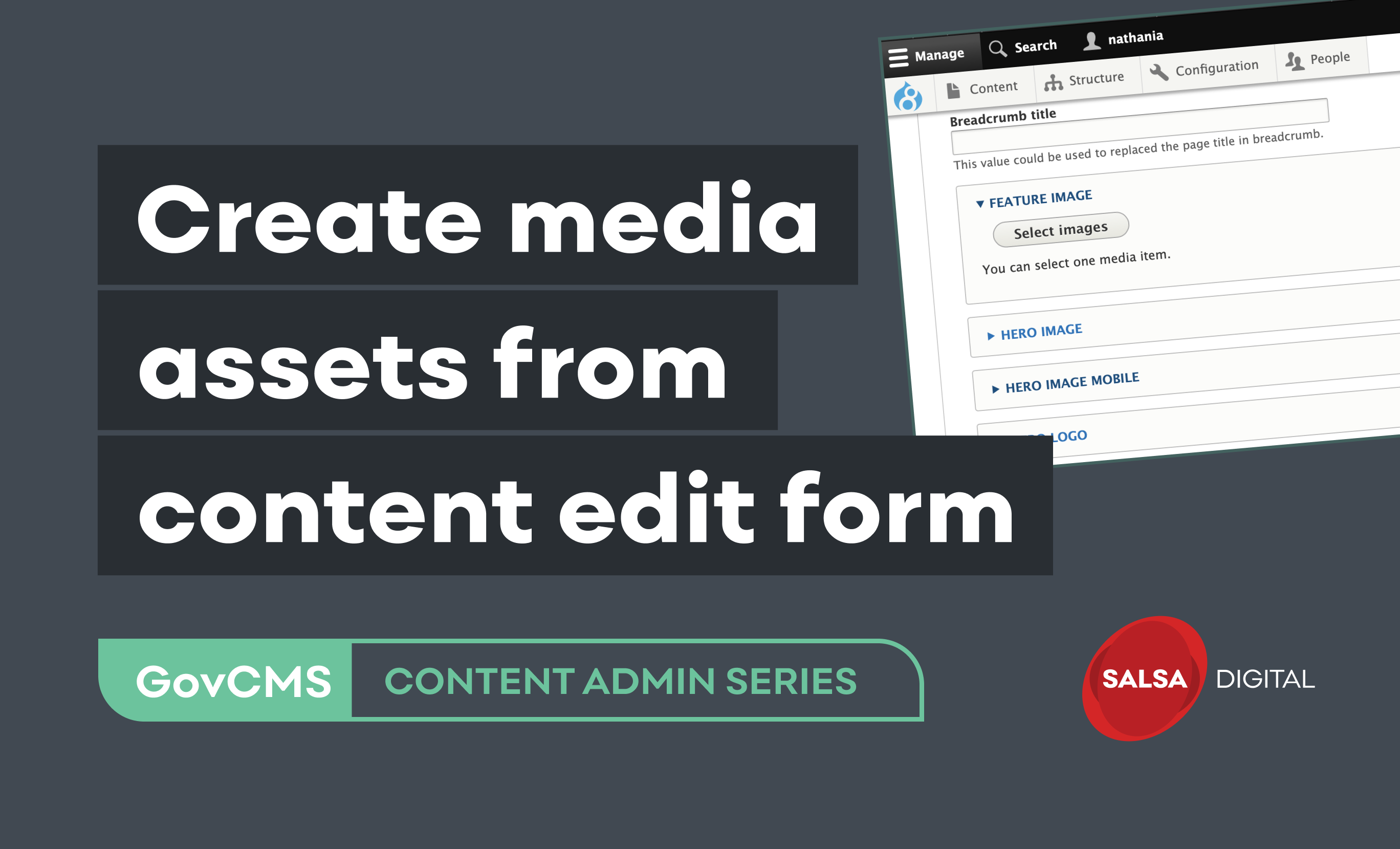
Create media assets from content edit form
In this video, you'll learn how to create and manage assets from the content edit form.
Delete and replace files in media assets
In this video, you'll learn how to delete and replace files in GovCMS.
View and manage files and media assets in GovCMS
In this video, you'll learn how to view and manage media assets, and how to view physical files.
GovCMS content form overview
In this video, you’ll be given an overview of the content form and you’ll learn how fields are re-used across different content types.
Read more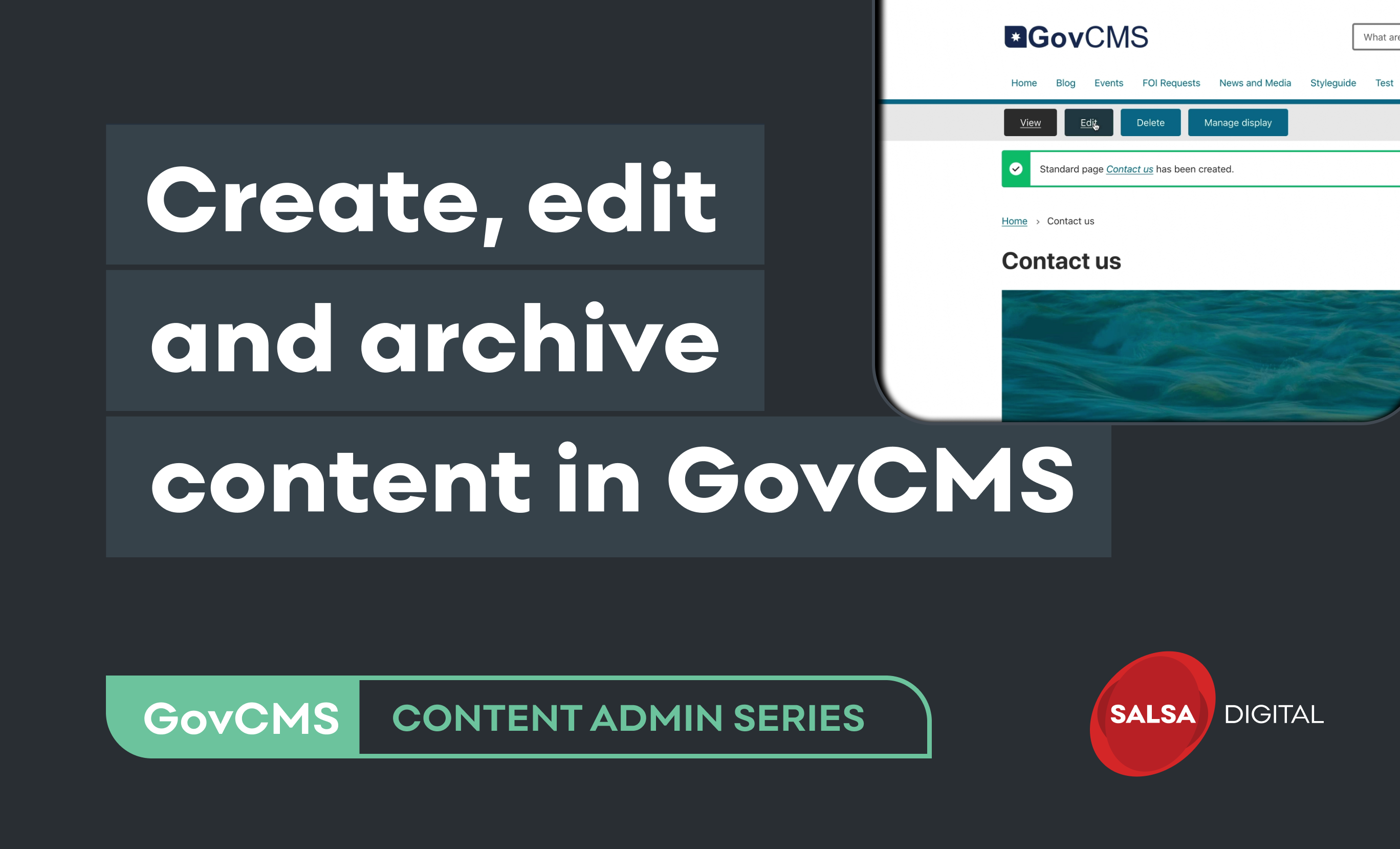
Create, edit and archive content in GovCMS
In this video, you’ll learn how to create, edit and archive content in GovCMS.
Read more